Gifts for Home Lab Builders
Ask what runs on the little box in the corner. You may hear about a whole evening spent making one service come back after a reboot. Give them time to show you the part that finally worked. These gifts for home lab builders run from mini servers to the rack and cables that tie them together.
See also: DIY TV backlights Programmers Tech lovers Projection mapping
Before you buy
- Hard drives and memory cost far more than usual on Amazon right now. A NAS is sold empty, so check what drives they already have before buying one.
- Most of what runs on a home lab is free: Proxmox, TrueNAS, Home Assistant and Pi-hole. The gift is the hardware.
- Small and quiet beats big and loud. Most home labs live in a closet or on a shelf, not in a data center.
No gifts match. Try another search or increase your budget.
If you buy one thing
-
Beelink EQ14 Mini PC, Intel N150
A palm-sized PC with 16 GB of memory, an SSD and two fast network ports that sips power and stays quiet. A fine separate host for Proxmox or Docker; ask what they want to run before choosing a configuration.
Budget: Splurge $100+ See it on Amazon: Beelink EQ14 Mini PC, Intel N150 (opens in a new tab)
The servers 1 idea
The boxes that do the work, sized for a shelf instead of a server room.
-
UGREEN NASync DXP2800 2-Bay NAS
A two-drive storage box for family photos, backups and movies. It comes without drives, which lets them choose their own and mirror the two so one can fail without losing anything.
Budget: Splurge $100+ See it on Amazon: UGREEN NASync DXP2800 2-Bay NAS (opens in a new tab)
The rack 3 ideas
A home for the gear that looks like a tiny data center on a desk.
-
GeeekPi DeskPi RackMate T1 8U 10-Inch Rack
A desk-sized server rack built for small gear. It turns a tangle of boxes and cables into a neat tower, and it is the most fun way to show off a home lab.
Budget: Splurge $100+ See it on Amazon: GeeekPi DeskPi RackMate T1 8U 10-Inch Rack (opens in a new tab) -
GeeekPi 10-Inch 1U Mini PC Rack Shelf
A shelf for the RackMate that holds a mini PC, with network and HDMI ports on the front. The mini PC slides in like a real rack server.
-
Brother P-touch PTD220 Label Maker
Every home lab ends up with a label on every cable and box. This one prints tough, laminated labels that last for years.
The network 5 ideas
Switches, cables and the tools to make and test them.
-
TP-Link TL-SG108E 8-Port Easy Smart Managed Switch
Eight wired ports with VLANs, which split the network so smart plugs and cameras cannot see the computers. A cheap, solid first managed switch.
-
Monoprice Cat6A Patch Cable, 1 Foot, 10 Pack
Short cables for linking gear in a rack. One-foot runs keep the front of a rack tidy instead of looped with spare cable.
-
Cable Matters USB-C to 2.5Gb Ethernet Adapter
Adds a fast wired port to a laptop. Moving big files to the NAS goes much faster than over Wi-Fi.
-
Klein Tools VDV226-110 Ratcheting Crimper
Cuts, strips and crimps network cable to any length they need. Made-to-fit cables are what make a lab look finished.
-
Klein Tools VDV526-200 LAN Scout Jr. Cable Tester
Checks that every wire in a cable is connected right. It catches a bad crimp before it turns into an hour of chasing a slow network.
Keeping it running 3 ideas
For power cuts, frozen screens and the electric bill.
-
APC BE600M1 UPS Battery Backup
A battery that keeps the router and servers on through short power cuts. Its USB port can tell a NAS to shut down safely before the battery runs out.
-
GL.iNet Comet GL-RM1 Remote KVM
Plugs into a server's HDMI and USB, then shows its screen in a web browser from anywhere. They can fix a stuck machine, even in its BIOS, without carrying a monitor to the closet.
-
P3 P4400 Kill A Watt Electricity Monitor
Plug a server into it and see exactly how many watts it draws. Home lab people love knowing what their hobby costs per month.
Smart home and security 4 ideas
Small add-ons that unlock big features.
-
Home Assistant Green
A ready-made box that runs Home Assistant, the free system that ties every smart device in the house together. It frees the mini PC for other projects and just works.
Budget: Splurge $100+ See it on Amazon: Home Assistant Green (opens in a new tab) -
SONOFF Zigbee USB Dongle Plus (ZBDongle-E)
A USB stick that lets Home Assistant talk to Zigbee sensors, bulbs and buttons directly, without any brand's hub or cloud.
-
Yubico YubiKey 5C NFC
A hardware key that guards logins with a tap. Once their lab is open to the internet, it keeps passwords from being the only lock on the door.
Budget: $50–100 See it on Amazon: Yubico YubiKey 5C NFC (opens in a new tab) -
SanDisk 128GB Ultra Fit USB Flash Drive
A tiny, fast stick for carrying install images from one machine to the next. Load it with several systems at once and it becomes the lab's toolkit.
Learning the craft 1 idea
Every home lab ends up at a command line.
-
The Linux Command Line, 3rd Edition
The friendliest full guide to the Linux command line, newly updated in 2026. It turns copy-and-pasting commands into understanding them.
How it comes together
Start with one box. Install Proxmox or Docker on the mini PC and run one useful thing, like Pi-hole or Home Assistant.
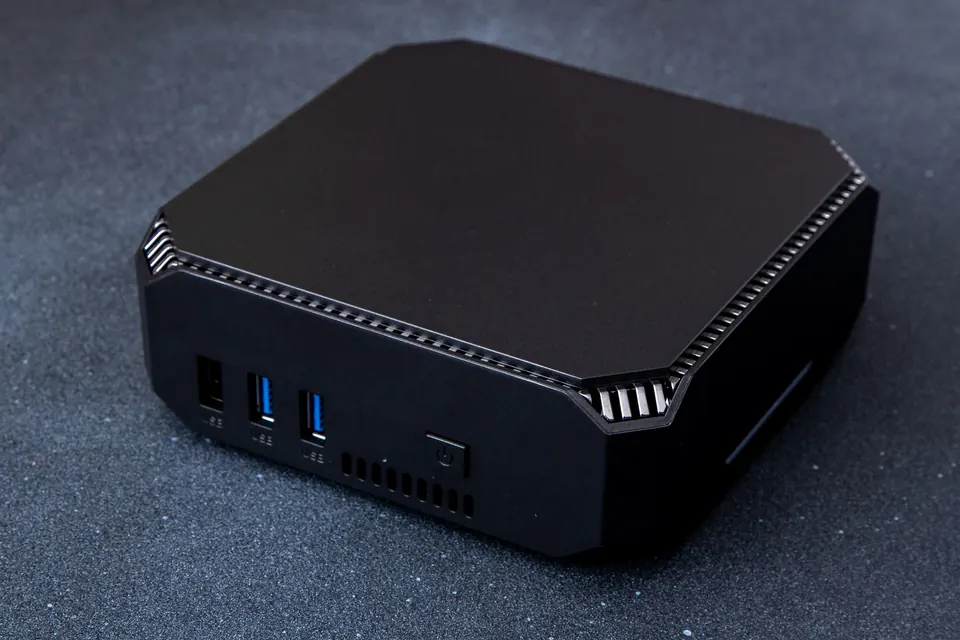
- Give it a fixed address in the router settings, so it is always easy to find.
- Set up the NAS with two mirrored drives, and point the family's phone and computer backups at it.
Wire it neatly: the switch, short cables, and a label on both ends of every cable.
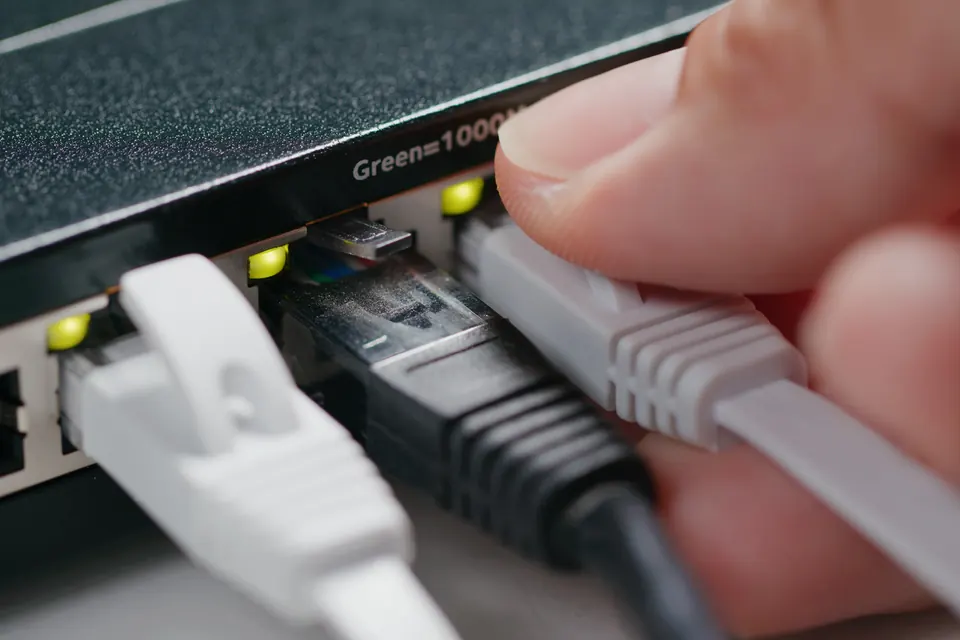
- Plug the router, switch and servers into the battery backup, and set the NAS to shut down when power runs low.
- Only then reach it from outside the house, through a private VPN like Tailscale or WireGuard, not open router ports.
Watch out for
- Mirrored drives are not a backup. Keep a second copy of anything precious somewhere else, like the cloud or a drive at work.
- Opening ports on the router invites attacks from the whole internet. A VPN is safer and easier.
- Closets get hot. Small gear still needs air, so leave the door cracked or add a quiet fan.
- Old desktops make loud, power-hungry servers. Measure with the Kill A Watt; a mini PC often pays for itself in power.
- Write down passwords and settings somewhere outside the lab. It is easy to lock yourself out of the box that holds the notes.