Gifts for Projection Mapping Fans
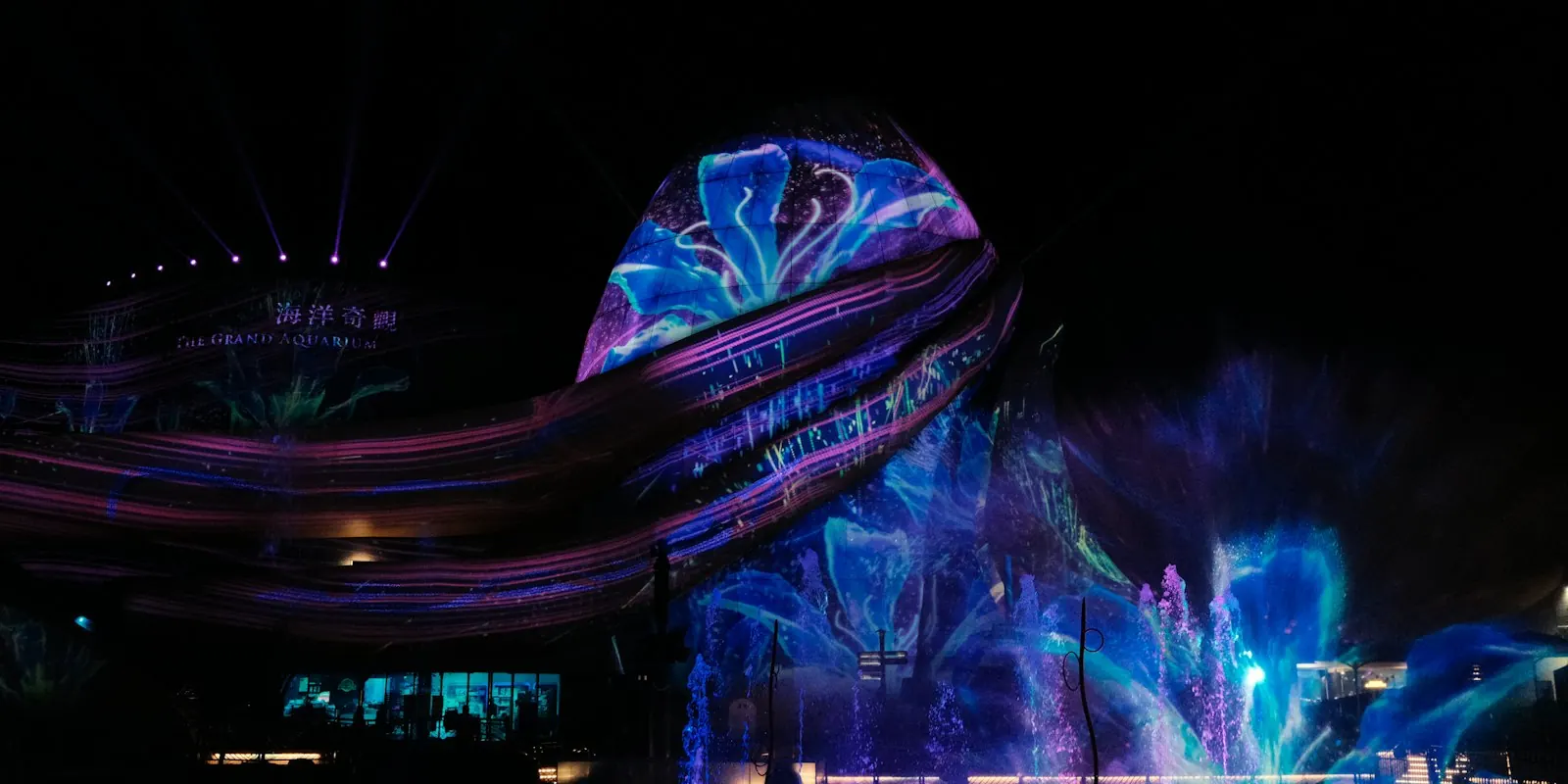
For a few seconds the blank wall looks like a door opening. Then they turn the lights up and show you the tape marks on the floor. Half the pleasure is seeing both sides of the trick. This guide to projection mapping gear runs from the projector to the computer that runs the show.
See also: DIY TV backlights Tech lovers Programmers Horror fans
Before you buy
- Ask what they map onto. A wall of boxes needs a bright projector. A pumpkin or a cake in a dark room does not.
- Short throw means the projector makes a big picture from close up. That matters in small rooms and on porches.
- The software is not sold on Amazon. Resolume and MadMapper offer free trials, and ofxPiMapper is free for the Raspberry Pi.
No gifts match. Try another search or increase your budget.
If you buy one thing
-
BenQ TH671ST Short Throw Projector
A bright 1080p projector that throws a 100-inch picture from about five feet away, close enough to map a garage door or a living room wall. Measure the actual throw distance together before committing.
Budget: Splurge $100+ See it on Amazon: BenQ TH671ST Short Throw Projector (opens in a new tab)
The light 3 ideas
Everything else in the kit is built around the projector, and around where it can sit.
-
KODAK Luma 150 Mini Projector
A pocket projector with its own battery, so it can hide inside a jack-o'-lantern or sit on a shelf with no cord. It is dim, so save it for small things in a dark room: a cake, a model, a face on a pumpkin.
Budget: Splurge $100+ See it on Amazon: KODAK Luma 150 Mini Projector (opens in a new tab) -
CAHAYA Projector Stand Tripod
A tripod with a flat tray that raises from about two to four feet. Mapping only works if the projector never moves, and a stand they can lock in place beats a stack of books.
-
SmallRig 9.8 Inch Magic Arm Clamp Kit
A posable arm with a clamp that grips a shelf, a railing or a pipe. It holds a small projector or camera with a standard tripod screw at odd angles a stand cannot reach.
The brain 4 ideas
A small computer that plays the show on a loop, so their laptop is free.
-
CanaKit Raspberry Pi 4 4GB Starter PRO Kit
Everything a Raspberry Pi needs in one box: the board, a case with a fan, power, a cable and a memory card. A Pi tucked behind the projector can play a mapped show all night without tying up a laptop.
Budget: Splurge $100+ See it on Amazon: CanaKit Raspberry Pi 4 4GB Starter PRO Kit (opens in a new tab) -
SanDisk 64GB High Endurance microSD Card
A Raspberry Pi runs from a memory card, and this one is built for dash cams that record all day. Spare cards let them keep one show per card and swap them like game cartridges.
-
Logitech K400 Plus Wireless Touch Keyboard
A keyboard with a touchpad built in, made for computers hooked to a TV. It runs a Pi hidden behind the projector from across the room, with no mouse to lose in the dark.
-
Kasa Smart Plug Ultra Mini EP10
Plug the projector and the Pi into this and the window show can switch on at dusk and off at bedtime. No one has to go out to the porch in December to start it.
Budget: Under $25 See it on Amazon: Kasa Smart Plug Ultra Mini EP10 (opens in a new tab)
Hands on the show 2 ideas
Sliders and buttons for changing the video live, the way a DJ changes songs.
-
Akai Professional APC Mini MK2
A grid of 64 glowing pads and nine sliders. In video software like Resolume, each pad can launch a clip and each slider can fade a layer, so they can play the wall like an instrument.
-
KORG nanoKONTROL2
Eight sliders and eight knobs in a strip thin enough to slide into a laptop bag. A good fit for someone who wants to fade and blend video by hand without a big controller.
Budget: $50–100 See it on Amazon: KORG nanoKONTROL2 (opens in a new tab)
Things to light up 3 ideas
Surfaces made to catch a projector, and video made to fill them.
-
UCreate Foam Board, White, 22 x 28, 5 Sheets
The classic first mapping project is a cluster of white shapes on a dark wall. Foam board cuts with a craft knife into cubes, triangles or letters, and takes light far better than a painted wall.
-
Reaper Brothers Holographic Rear Projection Screen
A see-through gray mesh that hangs in a window or doorway. Project from behind it and figures seem to float in the air, which is how those ghost-in-the-window houses do it.
-
AtmosFX Christmas Digital Decoration on USB
Seven ready-made Christmas videos on a USB stick, made for projecting onto windows and walls. Good for the first night, before their own content is ready.
Haze, tape and shadow 4 ideas
The stage crew's corner: the quiet tools that make a rig look finished.
-
Chauvet DJ Hurricane H700 Fog Machine
A light haze in the air turns a projector's beam into solid-looking rays. This small fogger from a stage lighting brand has been a garage-show staple for years.
-
Chauvet DJ FJ-U Fog Fluid, 1 Gallon
The fluid the Chauvet fogger is made to burn. A fog machine is useless without it, and a gallon lasts many nights of haze.
-
Gaffer Power Black Gaffer Tape, 2 Inch
The cloth tape stage crews use to hold cables down and mark where a projector sits. It grips hard but peels off cleanly, and matte black disappears in a dark room.
-
Rosco Matte Black Cinefoil, 12 Inch x 50 Feet
Matte black foil that bends into shape by hand. Wrapped around a lens or a light, it blocks the stray glow that spills past the edges of the thing they are mapping.
Learning the craft 2 ideas
Two books, one on the computer and one on the art.
-
The Official Raspberry Pi Beginner's Guide
The guide from the makers of the Raspberry Pi, in its 2026 edition. It walks through setup, the desktop and simple coding, which is all they need to get a looping show running.
-
Augmented Reality in Public Spaces: Basic Techniques for Video Mapping
A hands-on guide to the basics of video mapping: planning the surface, masking its edges and making video that fits its shape. It reads like a workshop, not a theory book.

How it comes together
- Pick a first surface. A few white boxes or foam board shapes against a dark wall teach the whole craft.
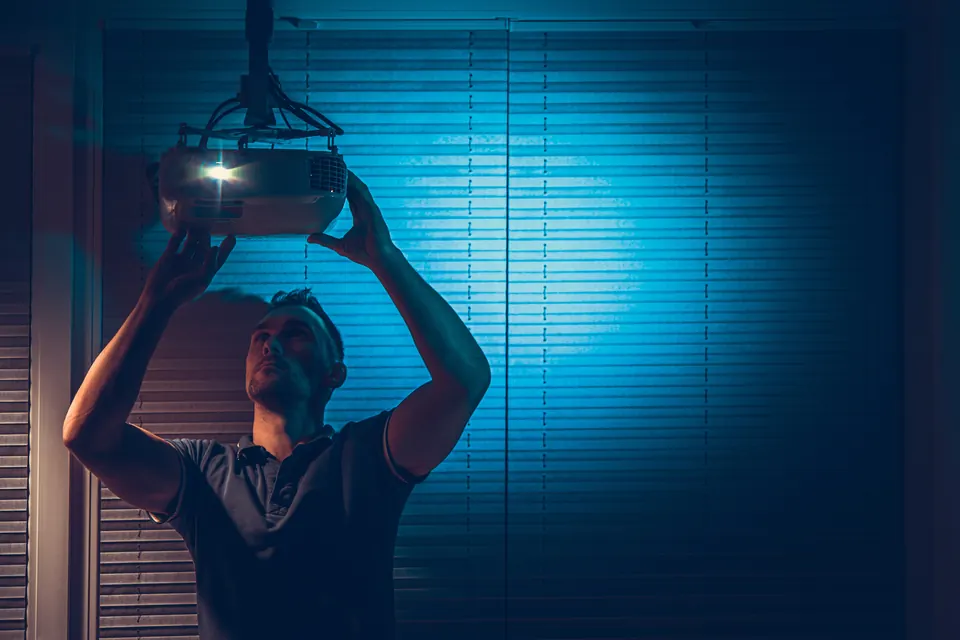
Set the projector where it will stay, square to the surface, and lock it down. Tape around its feet so it can go back if bumped.
- Connect a laptop and open the mapping software. Draw a shape over each surface, then drag its corners to the real edges.
Give each shape its own video or color. Simple loops that follow the edges look the most magical.
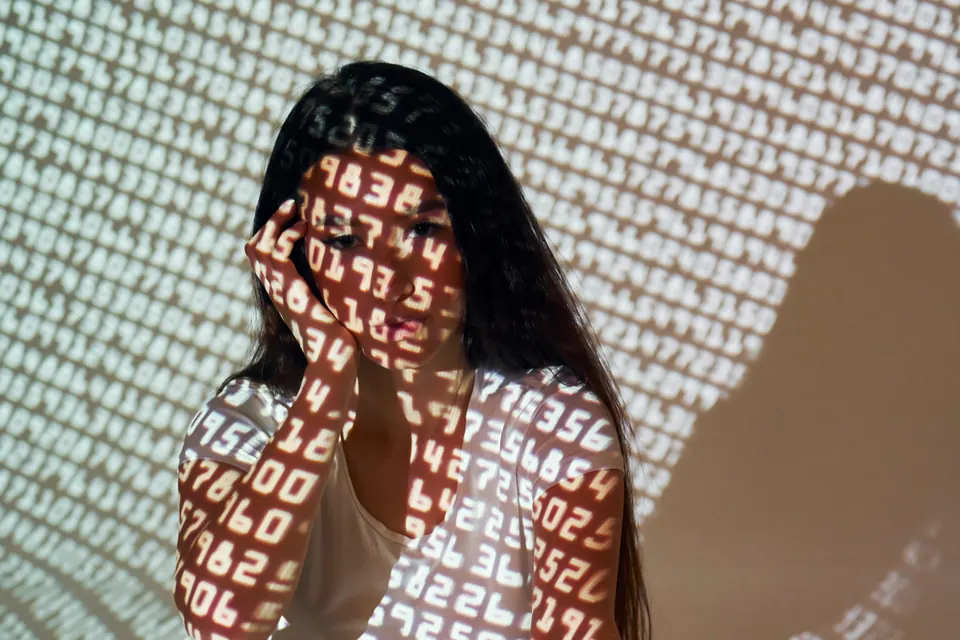
- Mask off everything else in black, so no light spills onto the wall around the object.
- When the show works, export it as one video and loop it on the Raspberry Pi, so the laptop is free again.
Watch out for
- The smallest bump to the projector or the object throws the whole map off. Mark every position with gaffer tape.
- Room light washes out the effect. A darker room helps more than a brighter projector.
- Projectors run warm. Leave space around the vents, and never box one in to hide it.
- Fog can set off smoke alarms and leave a film in small rooms. Use short bursts, and air the room out after.
- Shining a show on a neighbor's house or a public building needs their permission first.